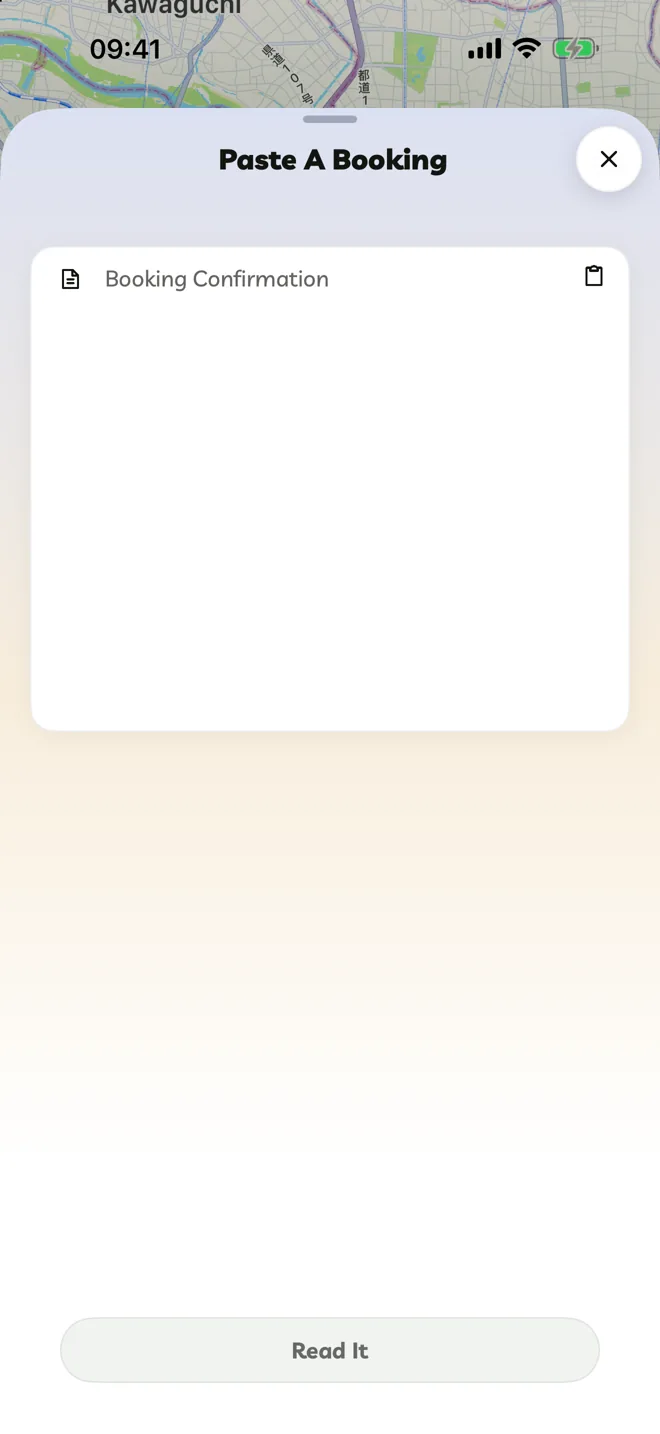
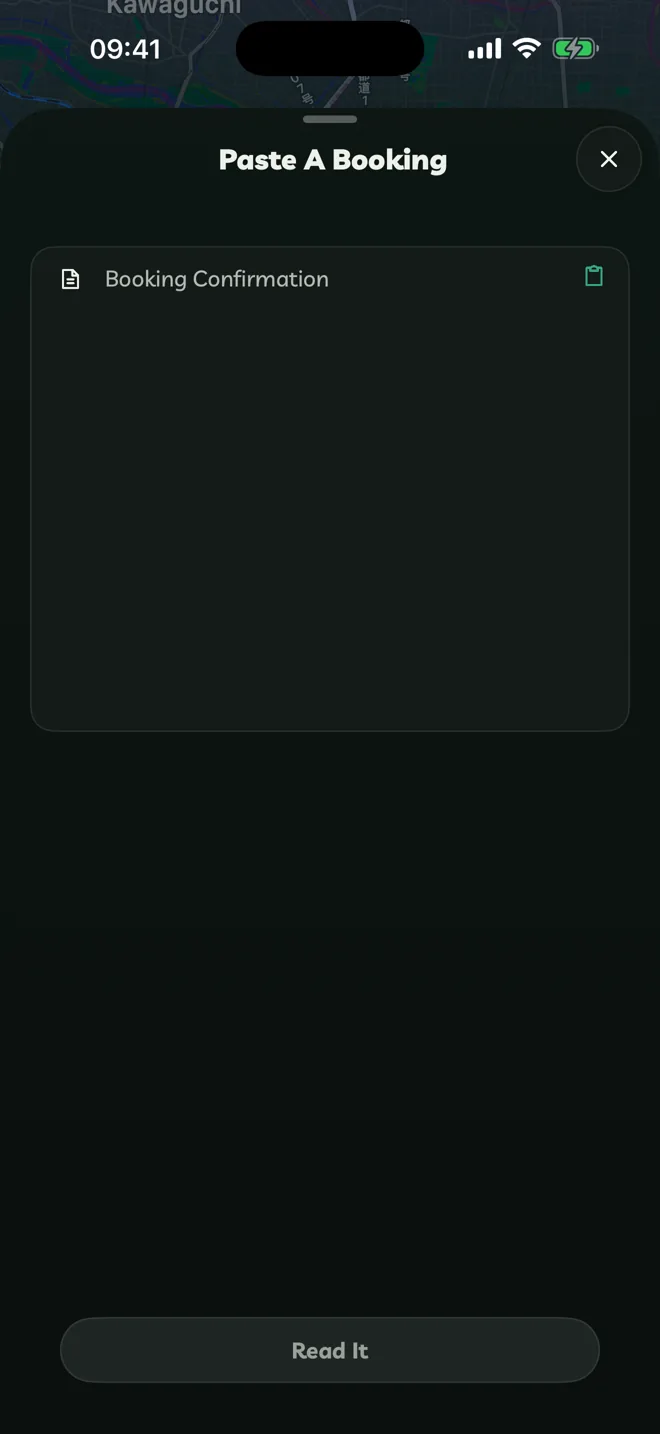
BookingsPaste A BookingTurn a confirmation email into flights, hotels and reservations.Pro Copy the text of a booking confirmation: a flight, hotel, restaurant, tour, train or car hire.In an itinerary, tap + → Paste A Booking, then tap the paste button in Booking Confirmation.Tap Read It. Travelyfe lists what it found.Untick anything you don't want and tap Add To Itinerary. Tap the back arrow to change the text. Private By Design Paste A Booking reads your confirmation on your device. Nothing is uploaded. It understands confirmations in all of Travelyfe's languages, including return flights, which become two bookings. Scan A Receipt In Expenses, Scan Receipt reads a photo of a receipt into expenses the same way.Scan A Page Or PlacePhotograph a guidebook page, menu or sign and add its places to a day.Packing ListsA checklist for every itinerary.