
Getting Started
Your First Few Minutes
What the welcome steps ask, and why.
The first time you open Travelyfe, six short steps set things up. You can change every answer later.
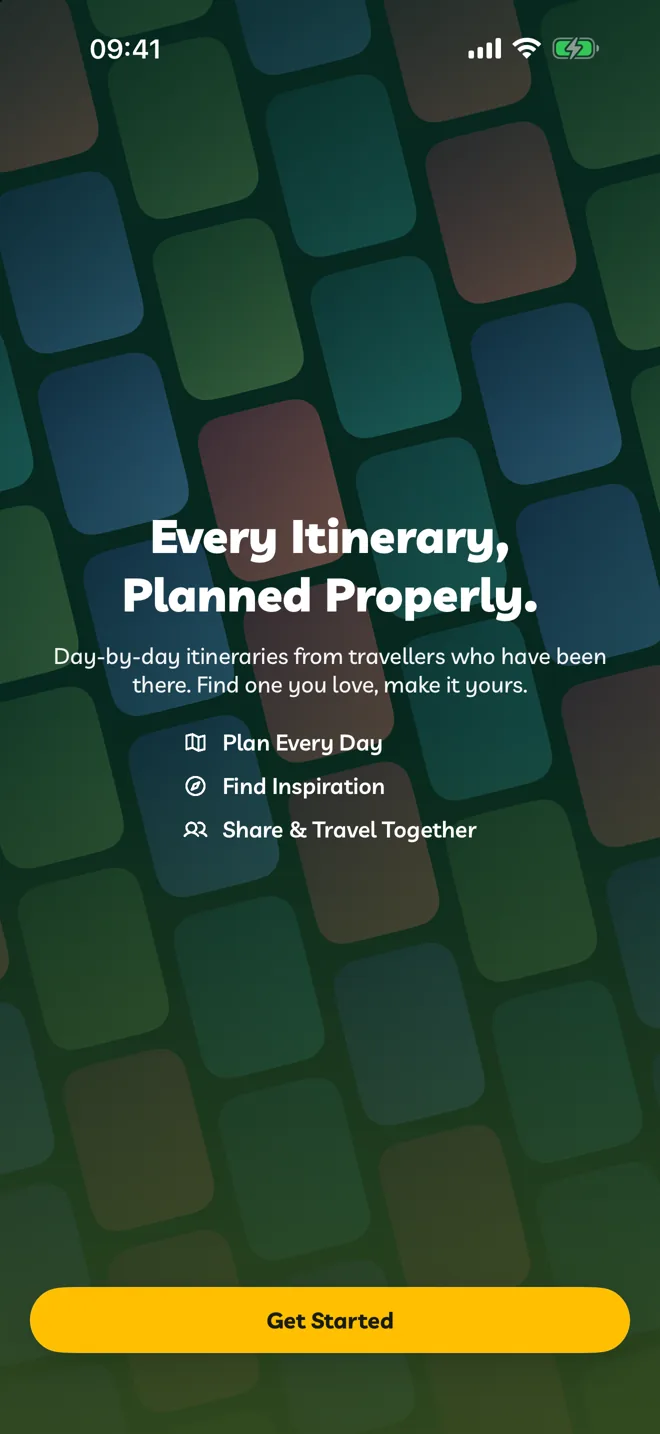
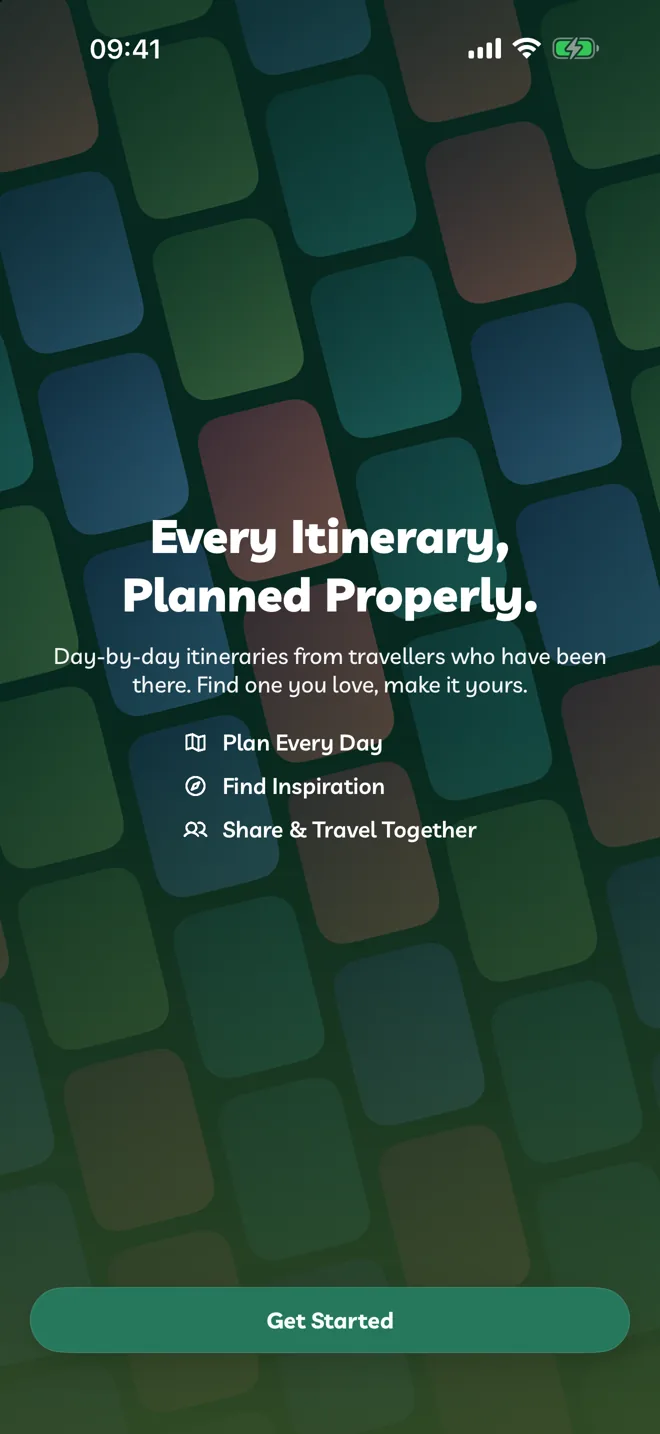
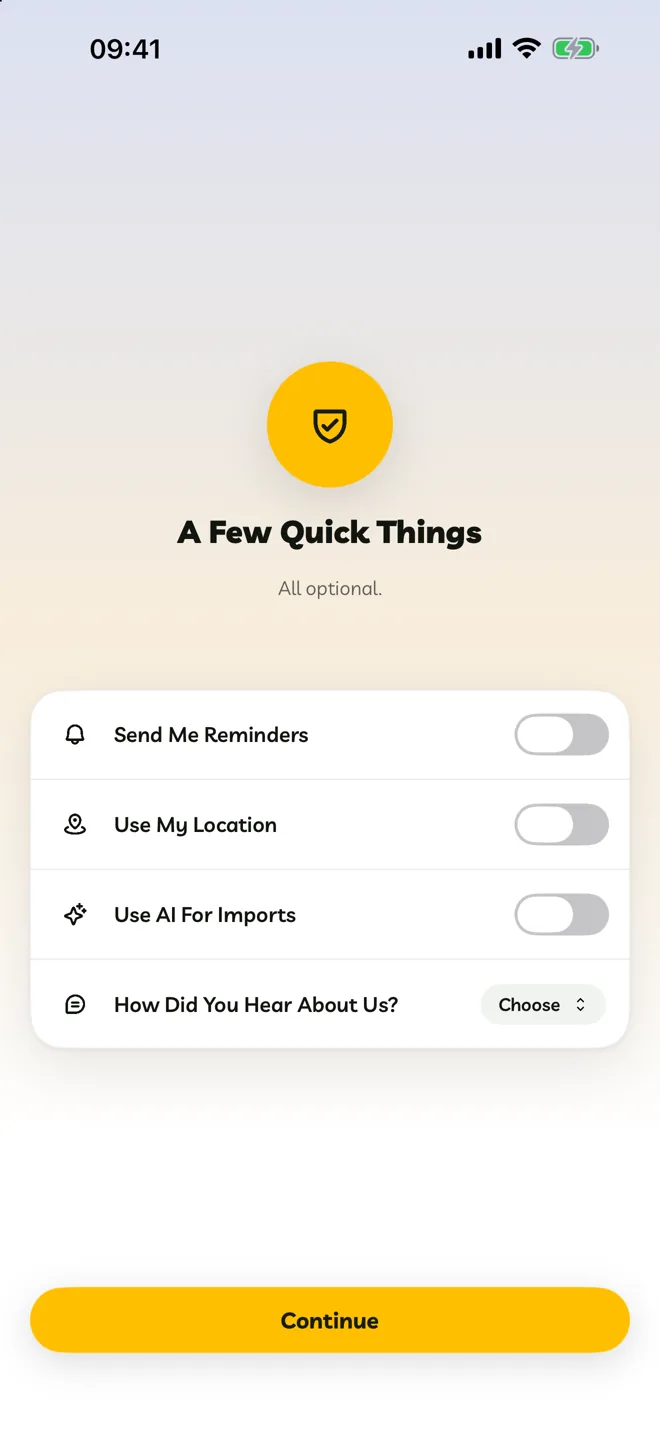
Welcome. A quick look at what Travelyfe does. Tap Get Started.
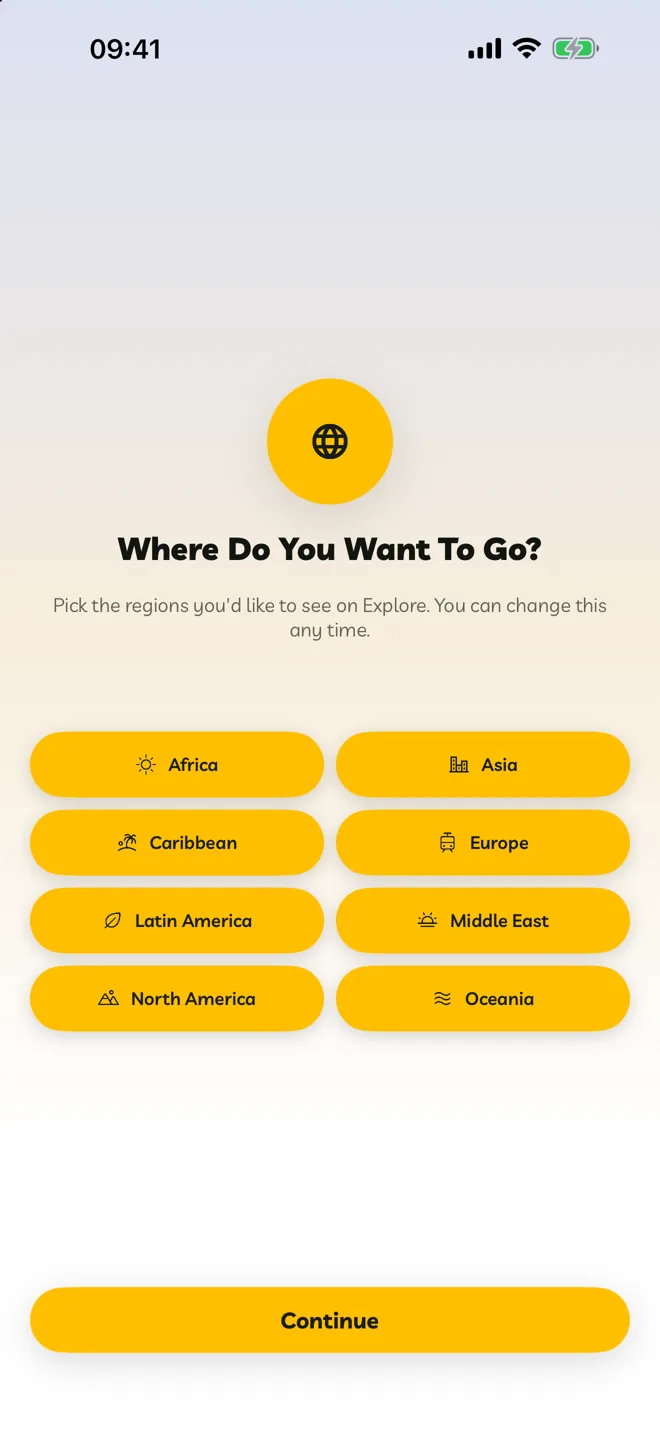
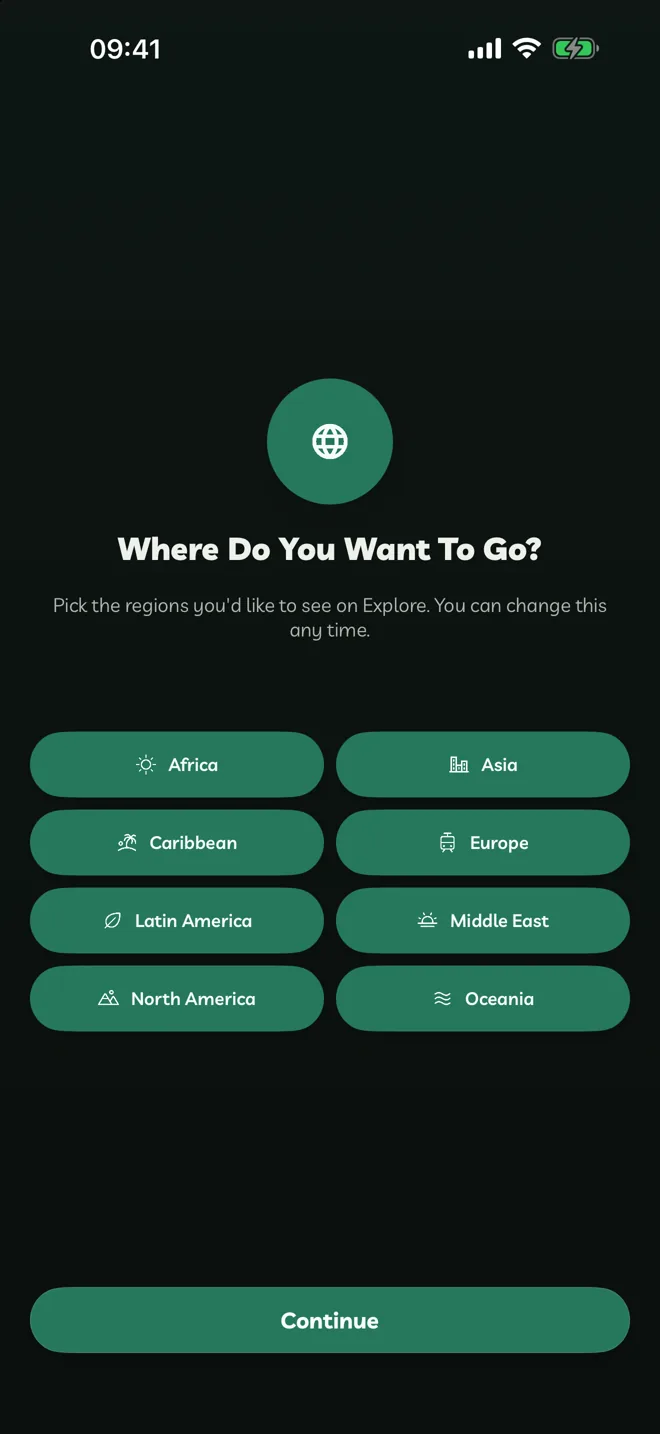
Where Do You Want To Go? Pick the regions you like. Explore shows you more from them.
What Do You Like? Like a few itineraries so Explore can learn your taste.
Create Your Account. Sign in with email, Apple or Google.
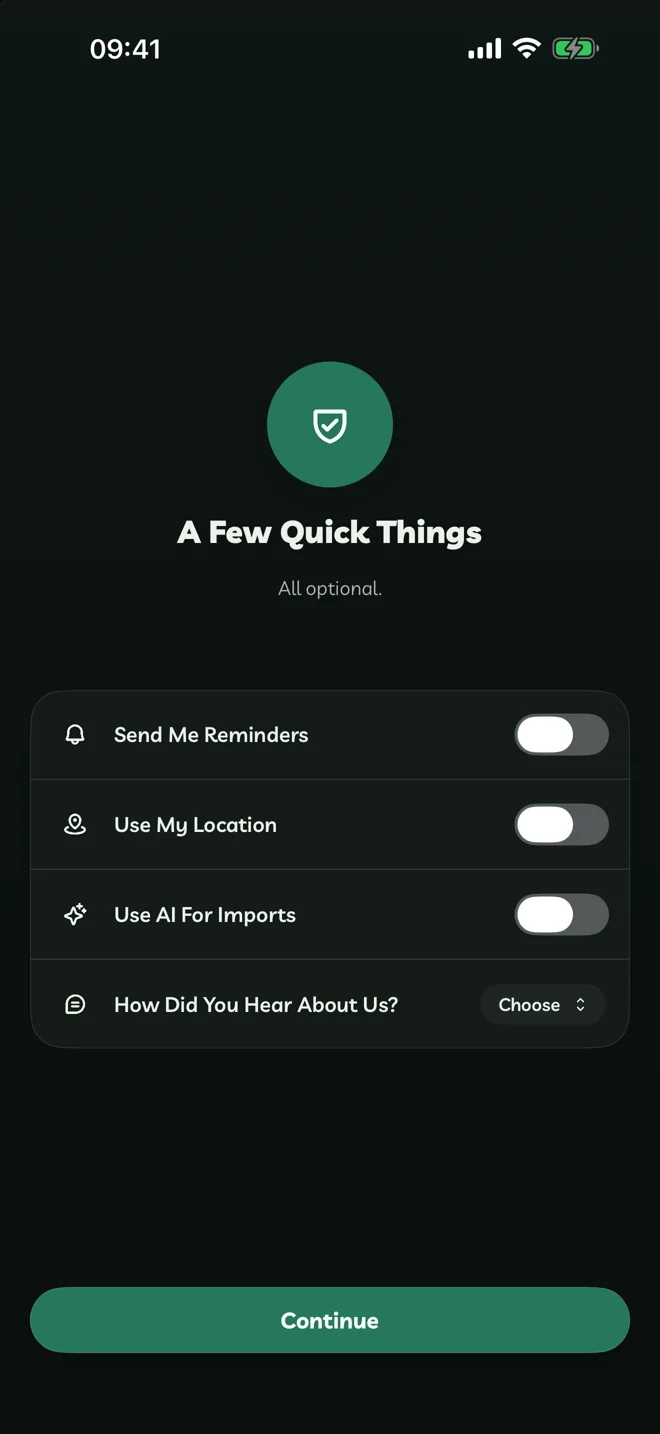
A Few Quick Things. All optional:
- Send Me Reminders before flights, hotels, stops and the start and end of an itinerary.
- Use My Location to fill in where you're travelling from and show activities near you.
- Use AI For Imports to turn links, photos and videos into itineraries. See Turn On AI Imports.
- How Did You Hear About Us? helps us, and you can skip it.
Travelyfe Pro. See what Pro adds, subscribe or close it to start planning.