
Getting Started
Finding Your Way Around
The tabs, the create button and where everything lives.
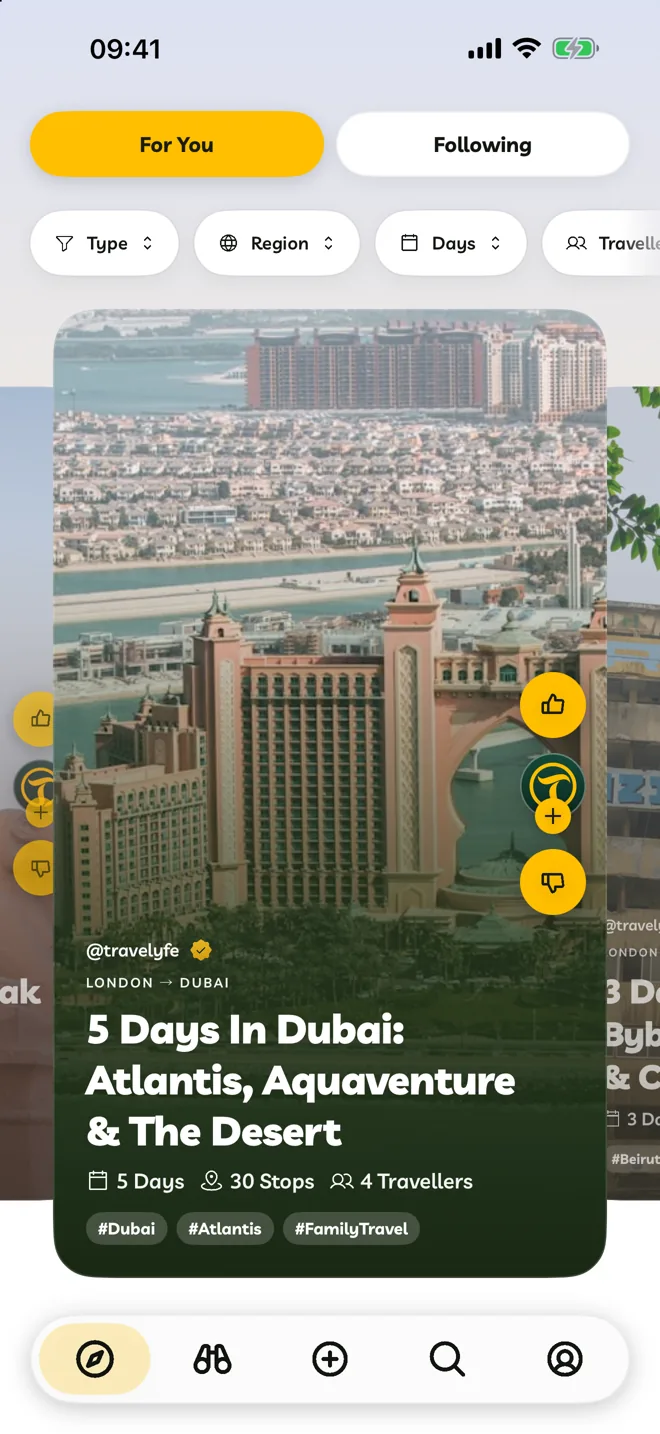
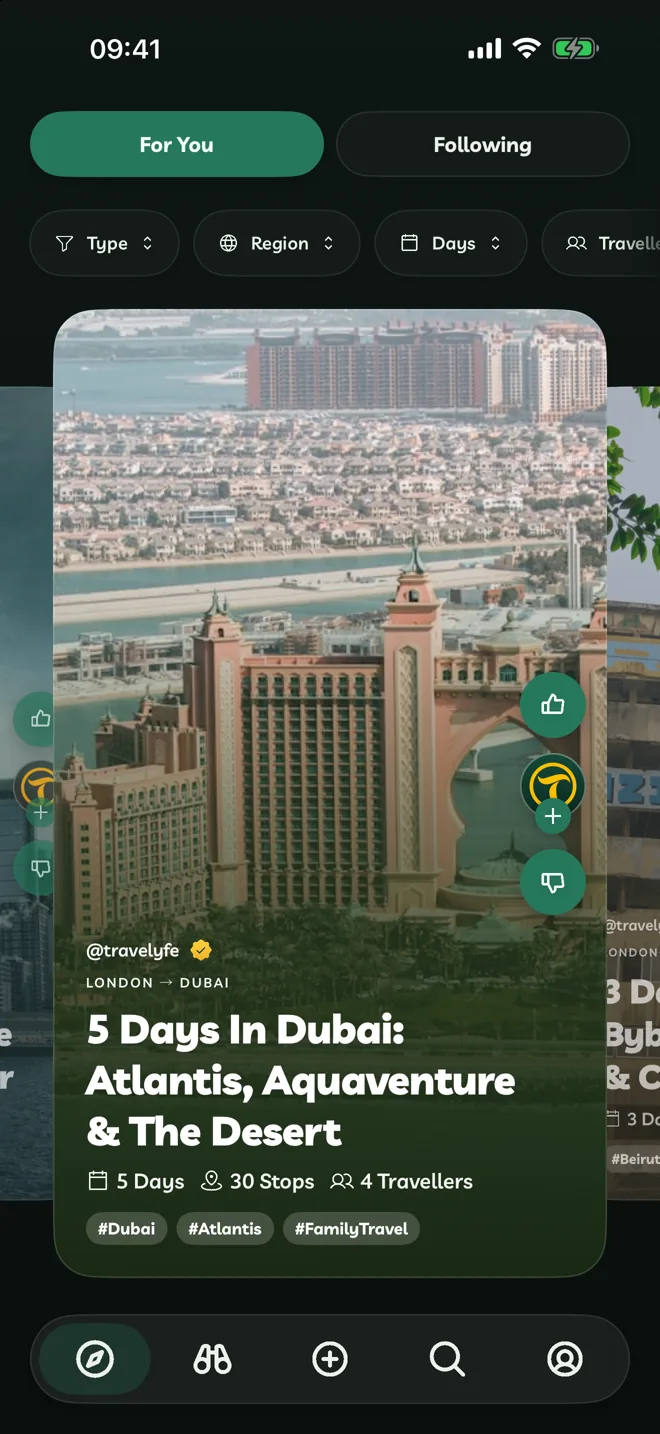
Travelyfe has five places along the bottom on iPhone, and in the sidebar or tab bar on iPad and Mac.
| Tab | What it's for |
|---|---|
| Explore | Itineraries from other travellers, For You and Following. |
| Activities | Tours and things to do you can book and add to an itinerary. |
| Create (the + button) | Start a new itinerary from scratch, a link or an upload. |
| Search | Find itineraries or activities by place or theme. |
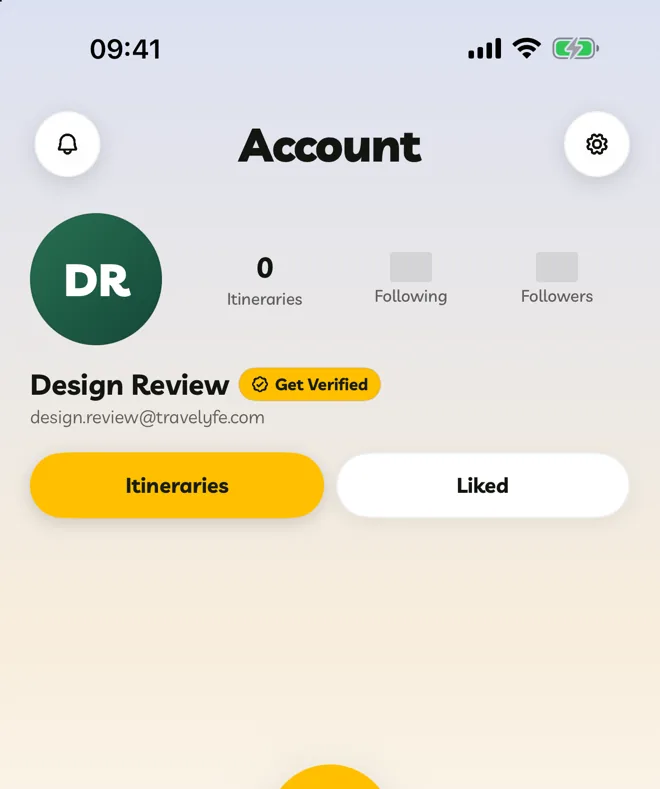
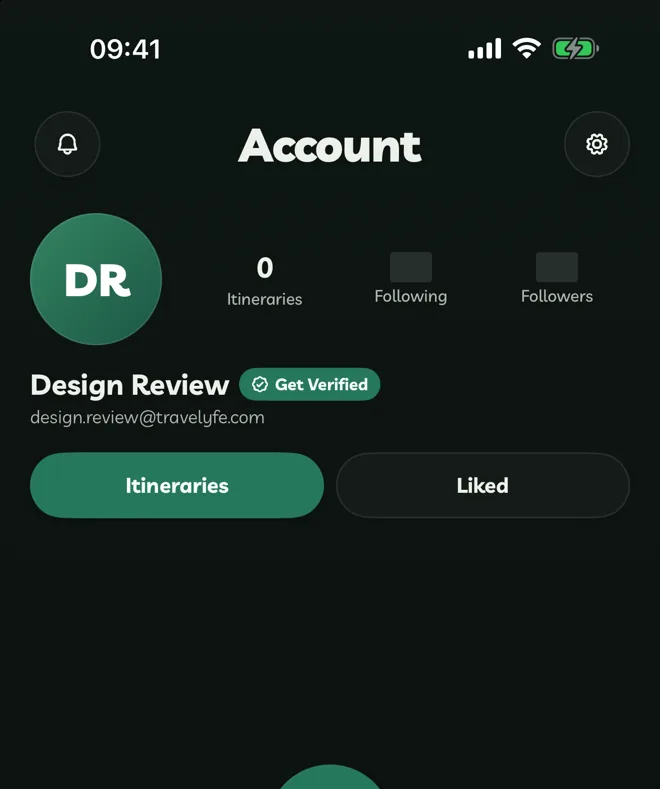
| Account | Your profile, your itineraries and the ones you've liked, notifications and settings. |
On iPad And Mac
- An itinerary opens beside its map on wide screens.
- ⌘N creates an itinerary, ⌘, opens Settings, ⌘1 to ⌘4 switch tabs and ⌘R refreshes.
- Right-click (or long-press) cards and rows for quick actions.
On The Web
travelyfe.com has the same tabs and the same features. Right-click cards for quick actions, and press Ctrl+F (⌘F on a Mac) to search your Account tab.