Explore
Browse Explore
Find itineraries from other travellers.
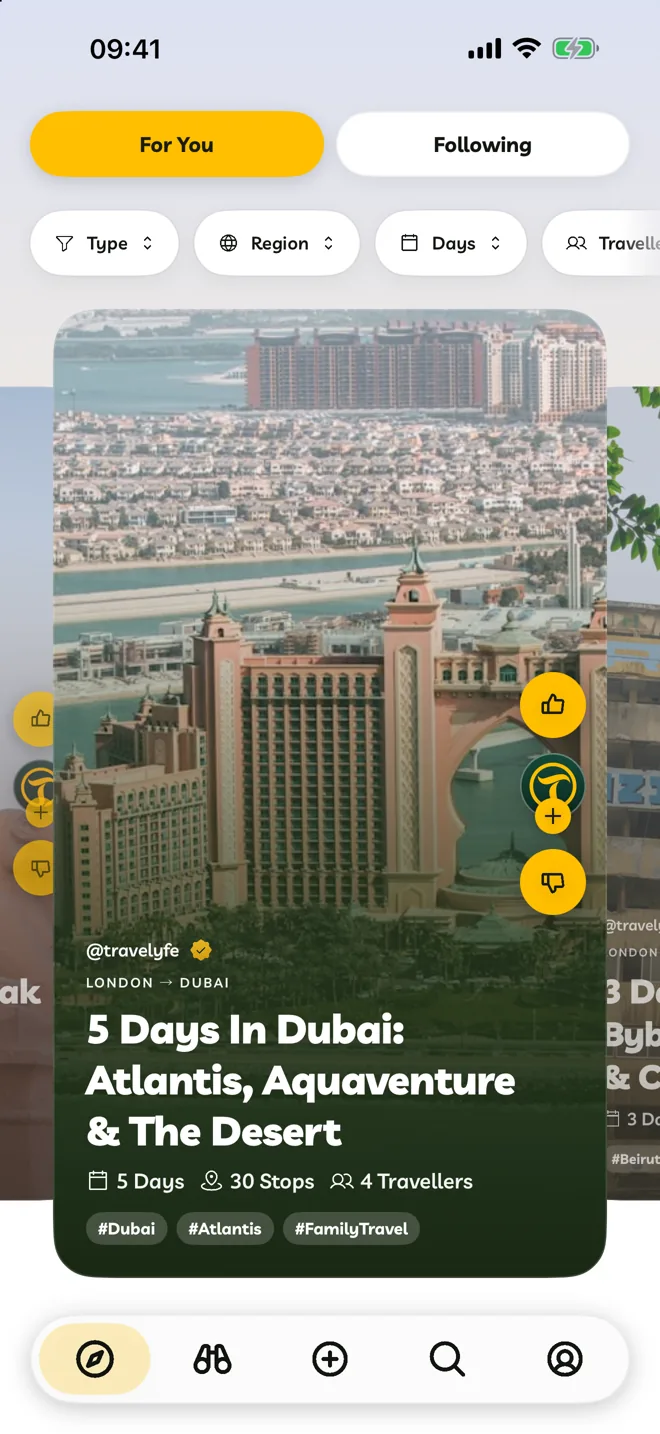
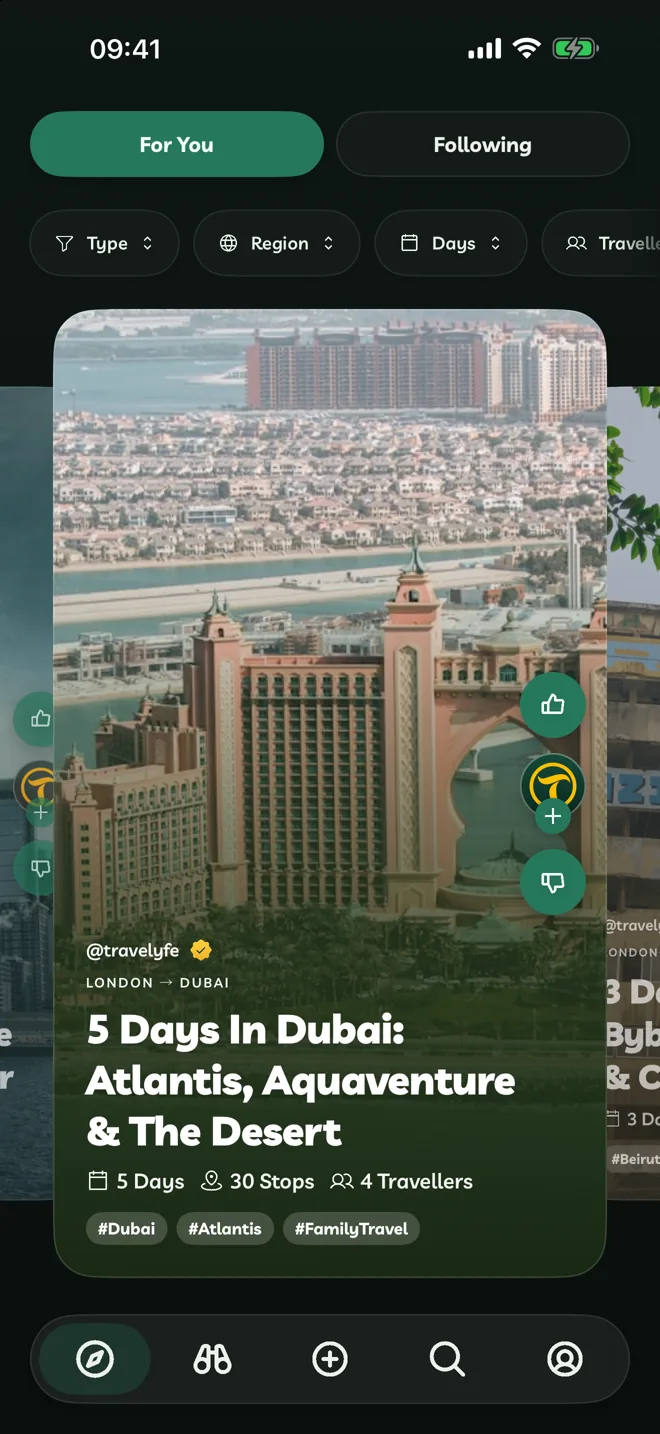
Explore has two feeds:
- For You — itineraries picked for the regions and styles you like.
- Following — new itineraries from people you follow.
Filters
Use the filters above the feed to narrow it by Type, Region, Days and Travellers. Clear Filters resets them.
React To Itineraries
- Like saves it to Liked on your Account tab and helps Explore learn your taste.
- Dislike hides it and shows you fewer like it. Undo brings it back.
- Save Itinerary (the bookmark) keeps it on your Account tab to come back to. To change it, use Duplicate Itinerary from its ⋯ menu.
Hidden itineraries can be brought back from Settings → Show Hidden Itineraries.
Search
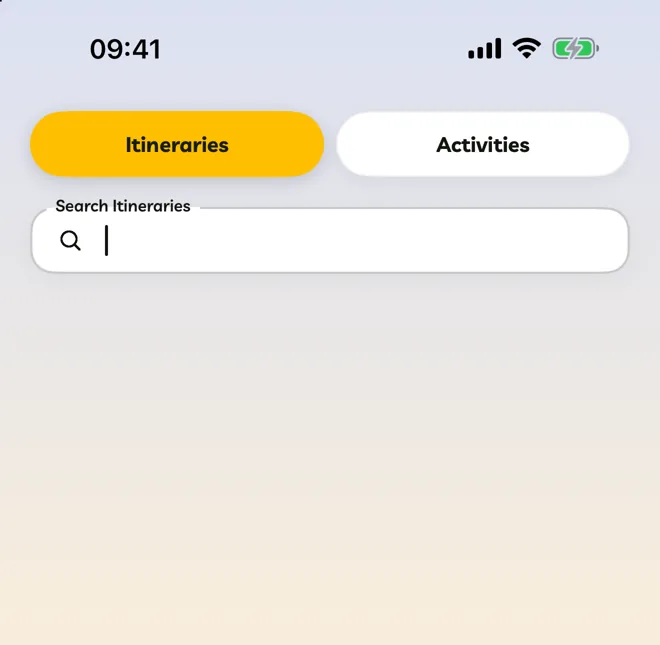
Use the Search tab to find itineraries or activities by city, region or theme.