
Itineraries
Create An Itinerary
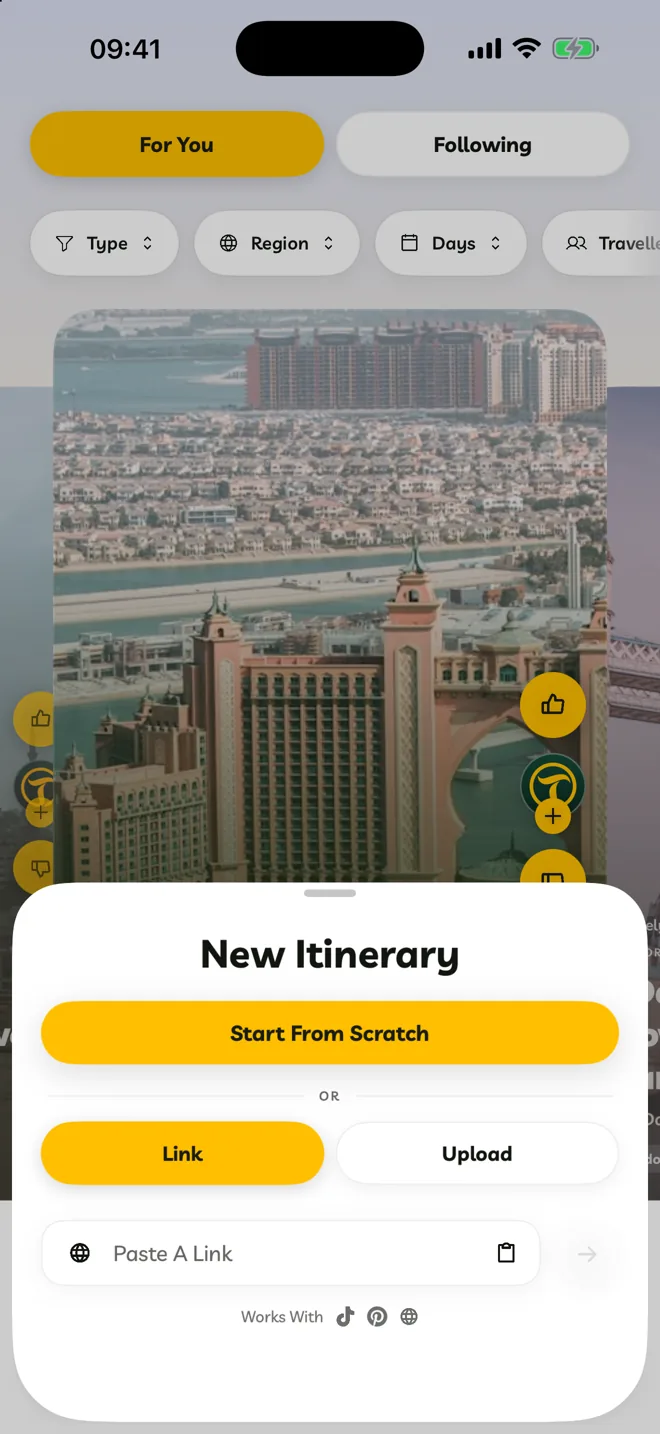
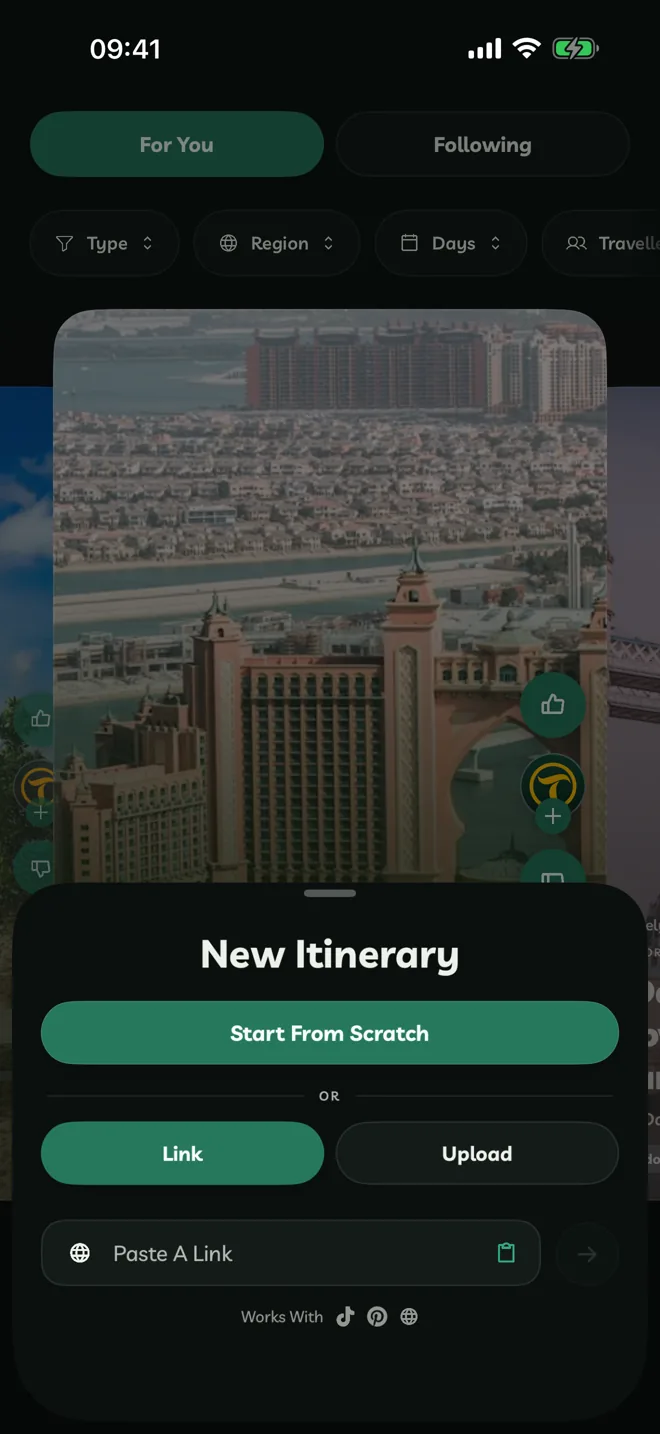
Start a new itinerary from scratch.
Tap the + button (or press ⌘N on iPad and Mac).
Tap Start From Scratch.
Choose Going To — the city or region you're visiting. Travelyfe fills Going From with where you are when location is on.
Give it a Title, then add dates, days and stops.
New itineraries are private. Only you, and anyone you invite, can see them until you share to Explore.
Want Travelyfe to build it for you? Use Link or Upload on the same screen. See AI Imports.
Other Ways To Start
- Duplicate Itinerary from an itinerary's ⋯ menu makes a copy you can change.
- Siri: "Create an itinerary in Travelyfe".