
Turn On AI Imports
Let Travelyfe read links, photos and videos to build itineraries.
AI imports turn something you found — a TikTok, a Reel, a Pin, an article, photos or a video — into a day-by-day itinerary. Pro
Because the content you choose is read by an AI service to find the places in it, AI imports only work after you switch them on.
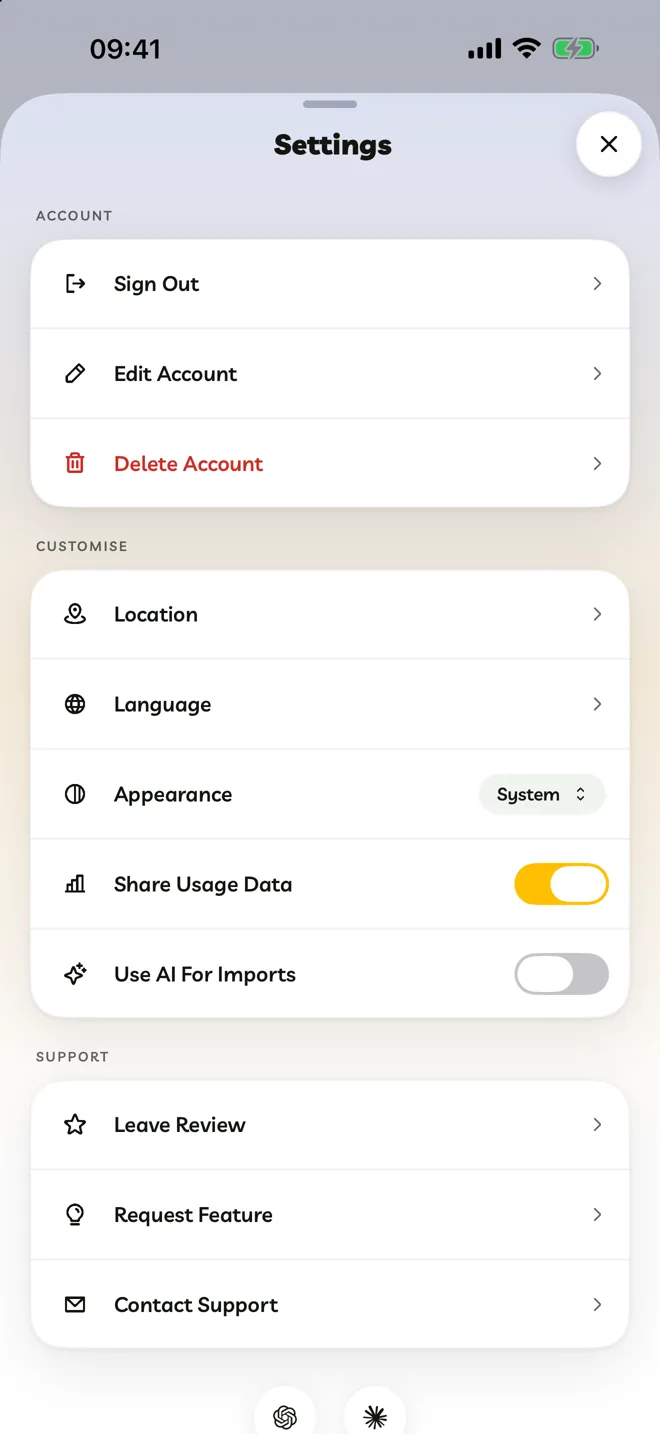
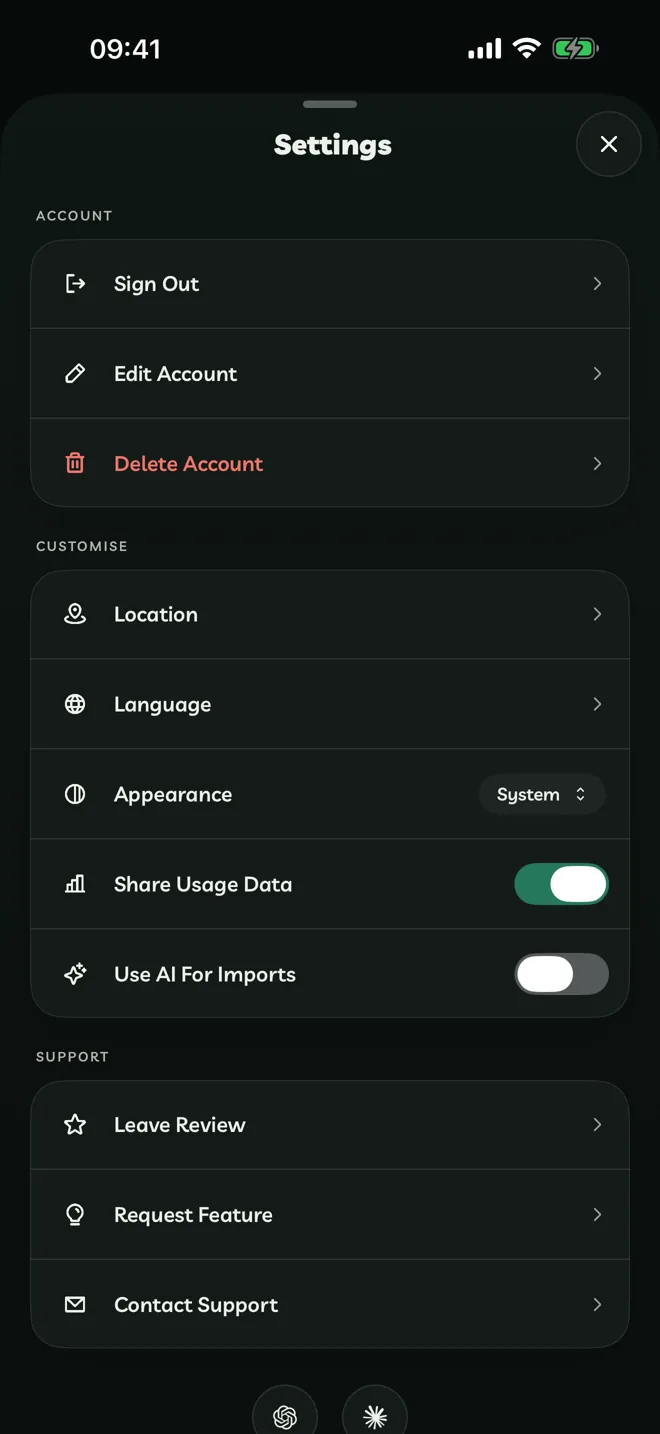
Switch It On
- During setup: turn on Use AI For Imports on the A Few Quick Things step.
- Later: open Account → Settings and turn on Use AI For Imports.
If it's off when you start an import, Travelyfe shows AI For Imports Is Off with a Turn On button that switches it on and carries on with your import.
What's Sent
Only the content you choose to import: the link and its page text, or the frames of your video or your photos. Nothing is sent until you start an import, and turning the switch off stops future imports. The privacy policy has the details.
Your Allowance
Travelyfe Pro includes 120 imports a year. Importing a link someone else has already imported doesn't use your allowance.