
Your Profile
Your name, username, photo and itineraries.
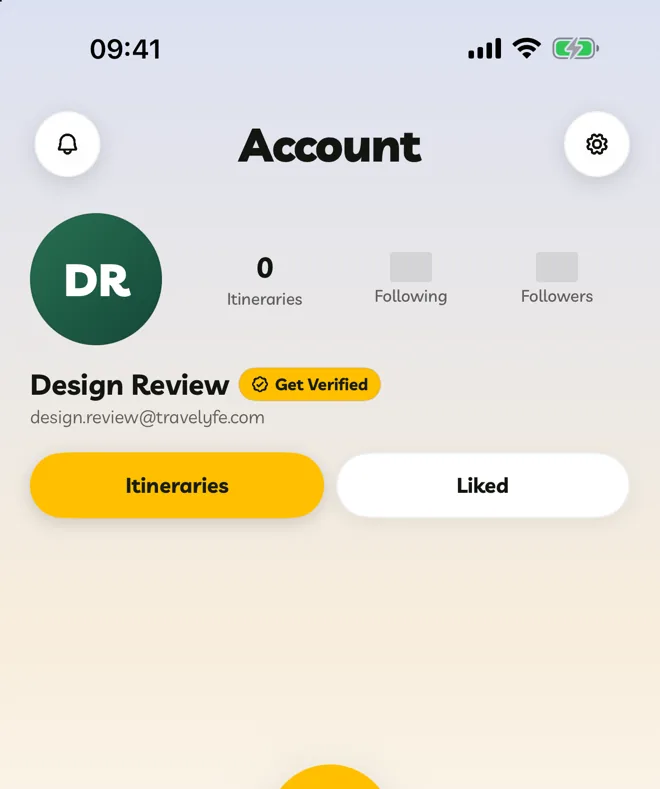
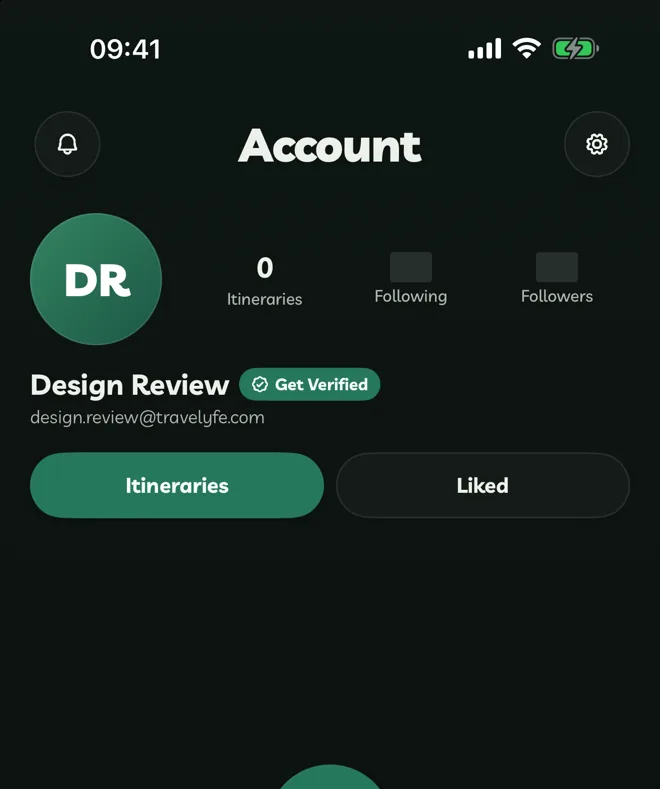
The Account tab shows your profile: your photo, how many itineraries, followers and people you follow, and two lists:
- Itineraries — yours and those shared with you.
- Liked — itineraries you liked on Explore.
Tap the search button beside the filters to search either list. Press ⌘F on iPad and Mac, or Ctrl+F on the web.
Edit Your Details
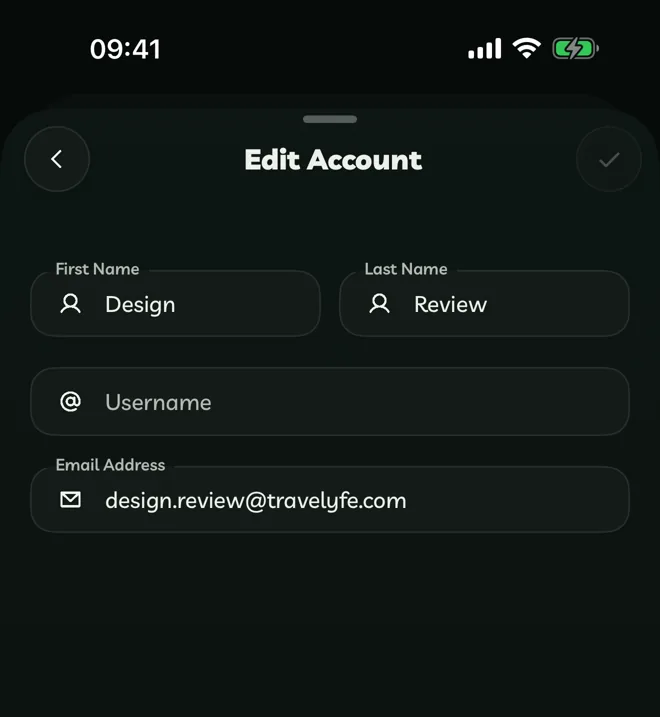
Open Settings → Edit Account to change your first and last name, username or email address.
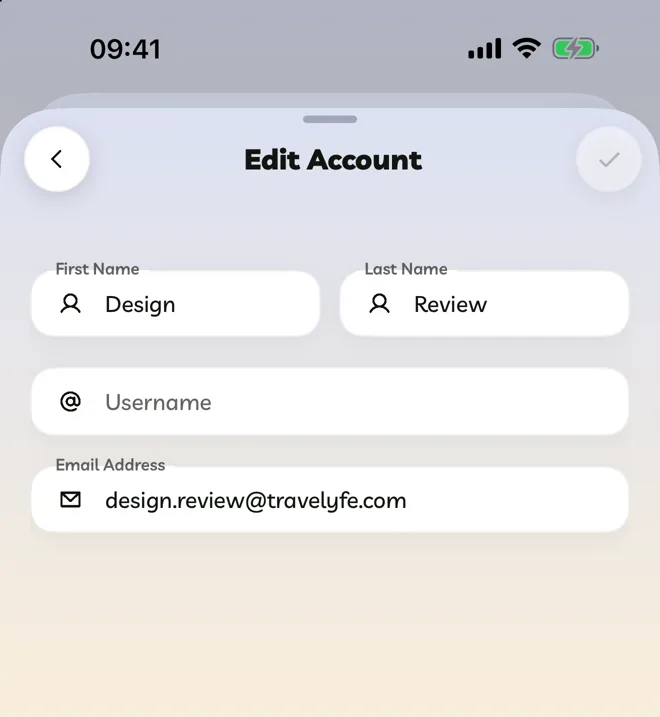
Changing your email sends a code to the new address. Enter it in the boxes under the field to confirm. Your old email keeps working until you do. If you signed in with Apple or Google, your email comes from that account.
Your Profile Photo
Tap your photo and choose Take Photo, Choose Photo or Remove Photo. Drag and pinch to position it, then confirm.
Verified Badge
Travelyfe Pro members get a gold verified badge beside their name. Pro