
Import From The Share Button
Send a link, photo or video to Travelyfe from any app.
You don't need to open Travelyfe first. The share extension imports right where you are.
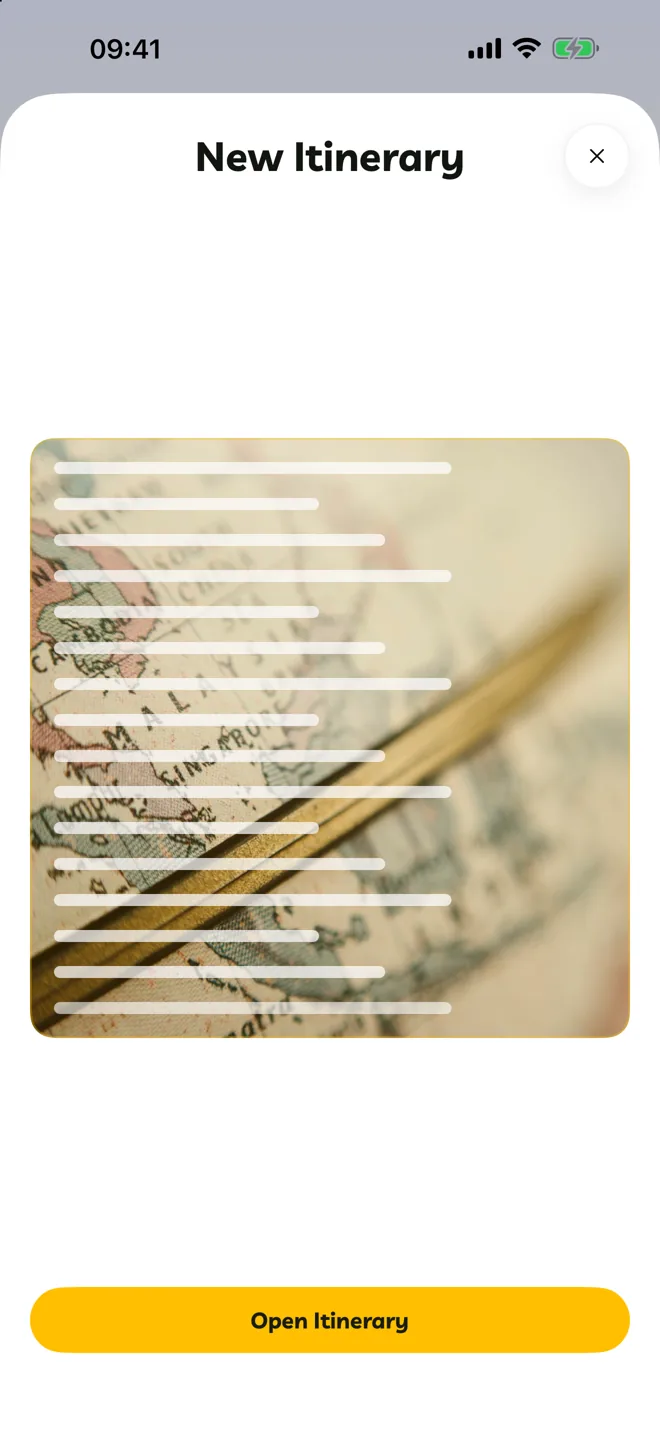
In TikTok, Instagram, Pinterest, Safari, Photos or any app, tap Share.
Choose Travelyfe. If you don't see it, scroll to the end of the app row, tap More and turn Travelyfe on.
Travelyfe scans what you shared and builds the itinerary. Tap Open Itinerary to see it.
Boarding Passes
Share a boarding pass (a .pkpass file) to Travelyfe to add the flight to an itinerary. Pro
If You Leave Early
If you close the app while an import is still building, Travelyfe sends an Itinerary Ready notification when it's done. You can turn that off in notification settings.
Siri and Shortcuts
Say "Import an itinerary from a link in Travelyfe", or use the Import Itinerary From Link action in Shortcuts.