
Settings And Account
Settings
Appearance, language, location and privacy.
Open Account and tap the gear (or press ⌘,).
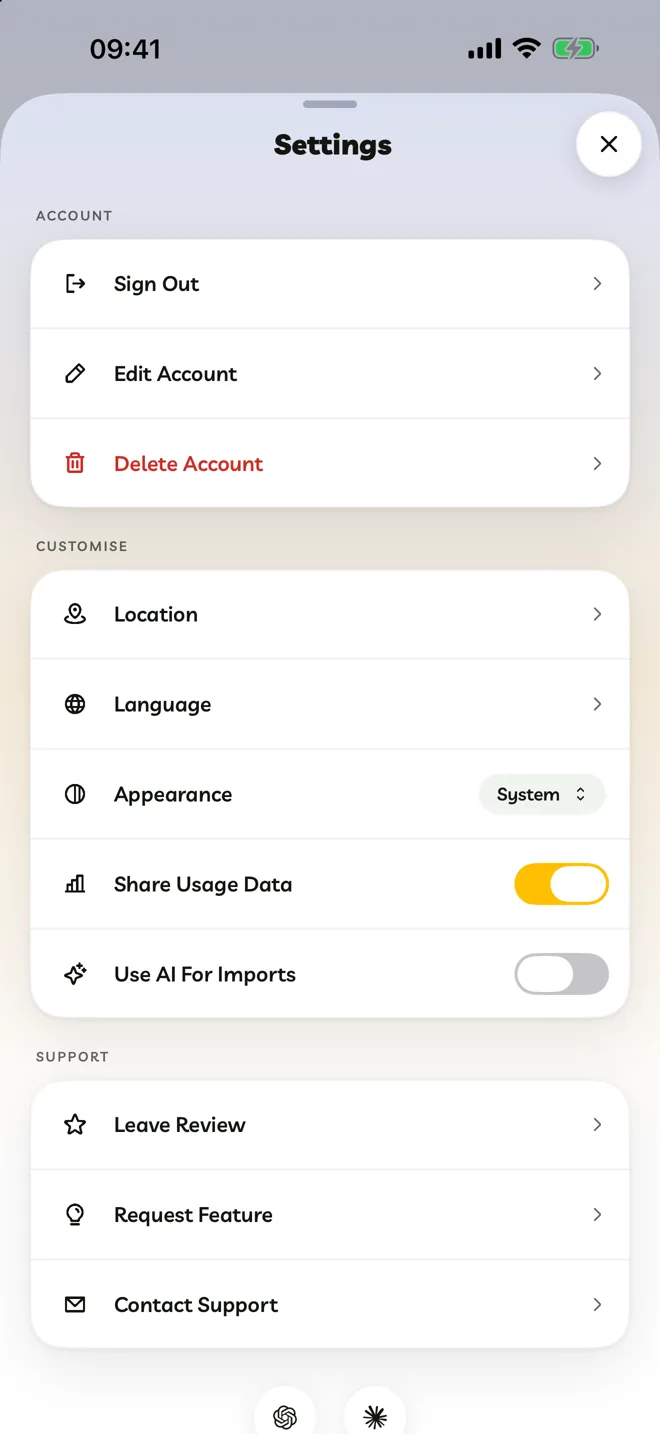
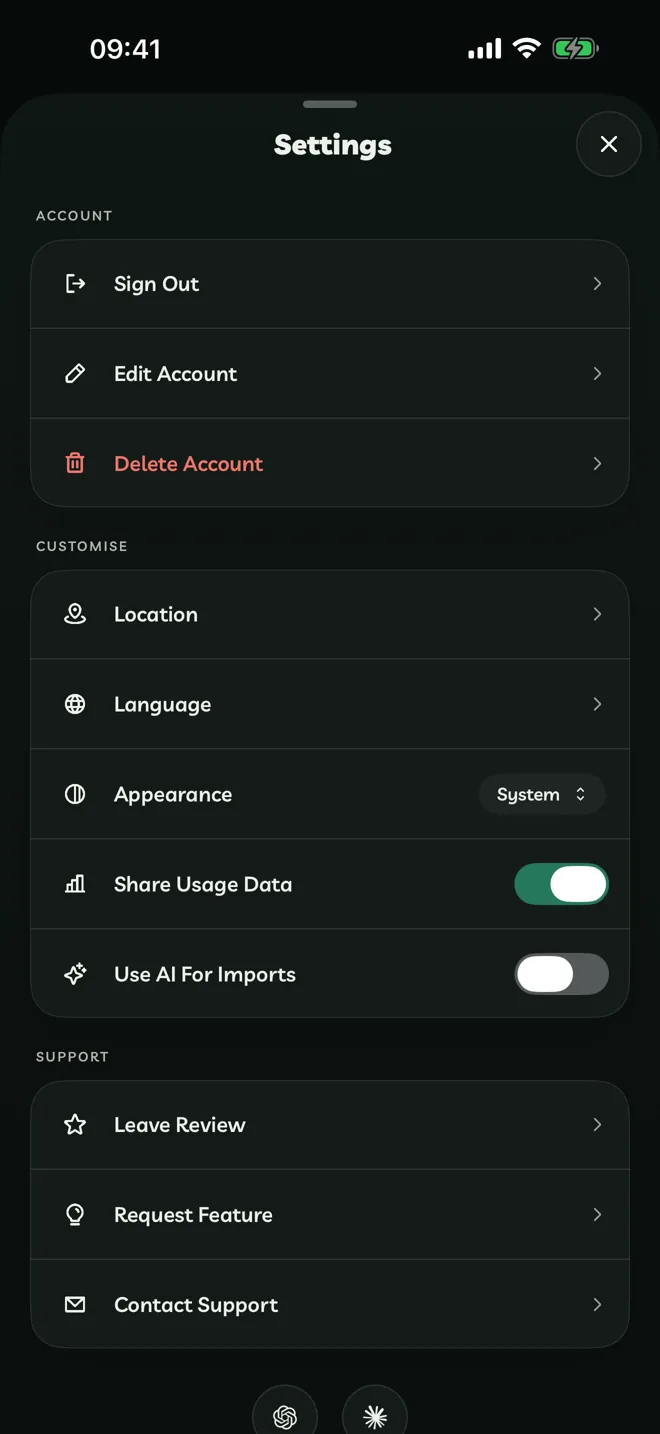
| Setting | What it does |
|---|---|
| Location | Lets Travelyfe fill in where you're travelling from and show activities near you. Only the city name is saved, never your exact location. |
| Language | Changes the language for Travelyfe alone (iPhone, iPad and Mac). |
| Appearance | Light, Dark or System. |
| Share Usage Data | Sends anonymous usage and crash data that helps us improve Travelyfe. |
| Use AI For Imports | Allows AI imports. Off by default. |
| Show Hidden Itineraries | Brings itineraries you disliked back into Explore. |
Support
Leave Review, Request Feature and Contact Support are at the bottom, along with the version number to quote when you contact us.