
Settings And Account
Sign Out, Export And Delete
Your data and your account.
Sign Out
Settings → Sign Out signs you out on this device. Your itineraries stay in your account.
Export Your Data
Settings → Delete Account → Export Your Account Details saves a file with everything Travelyfe holds about you. You can export without deleting.
Delete Your Account
Open Settings → Delete Account.
Export your data first if you want a copy.
Type DELETE to confirm and tap Delete Account.
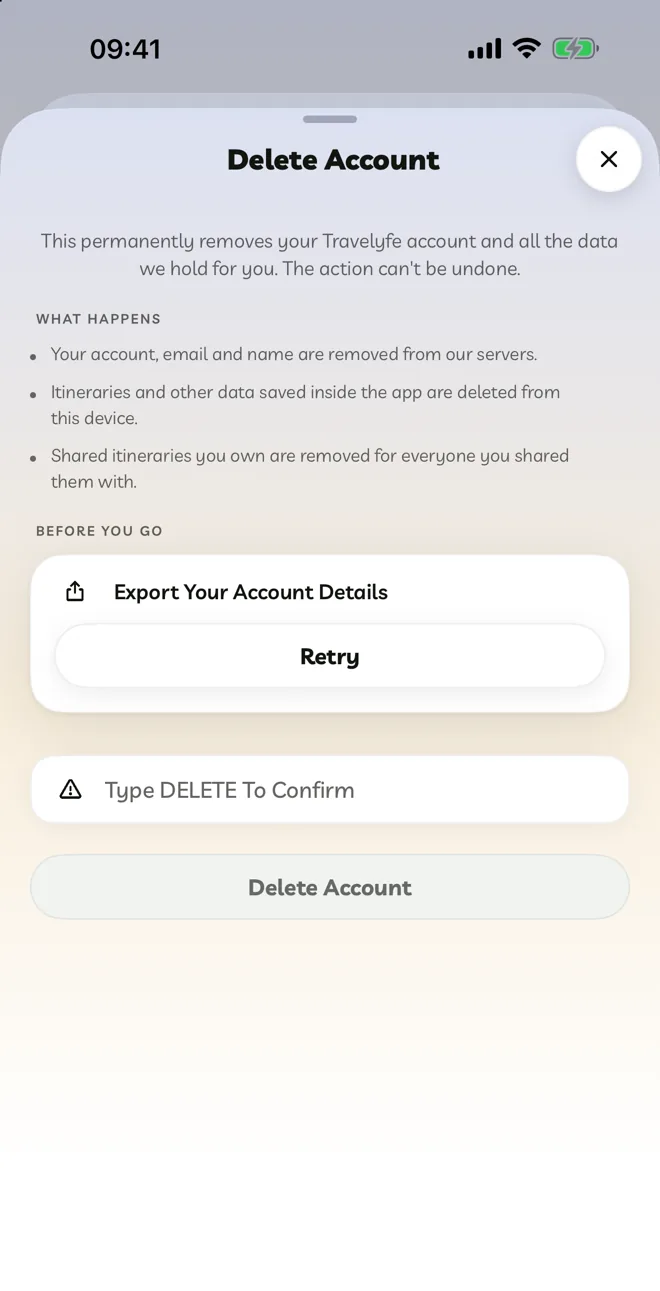
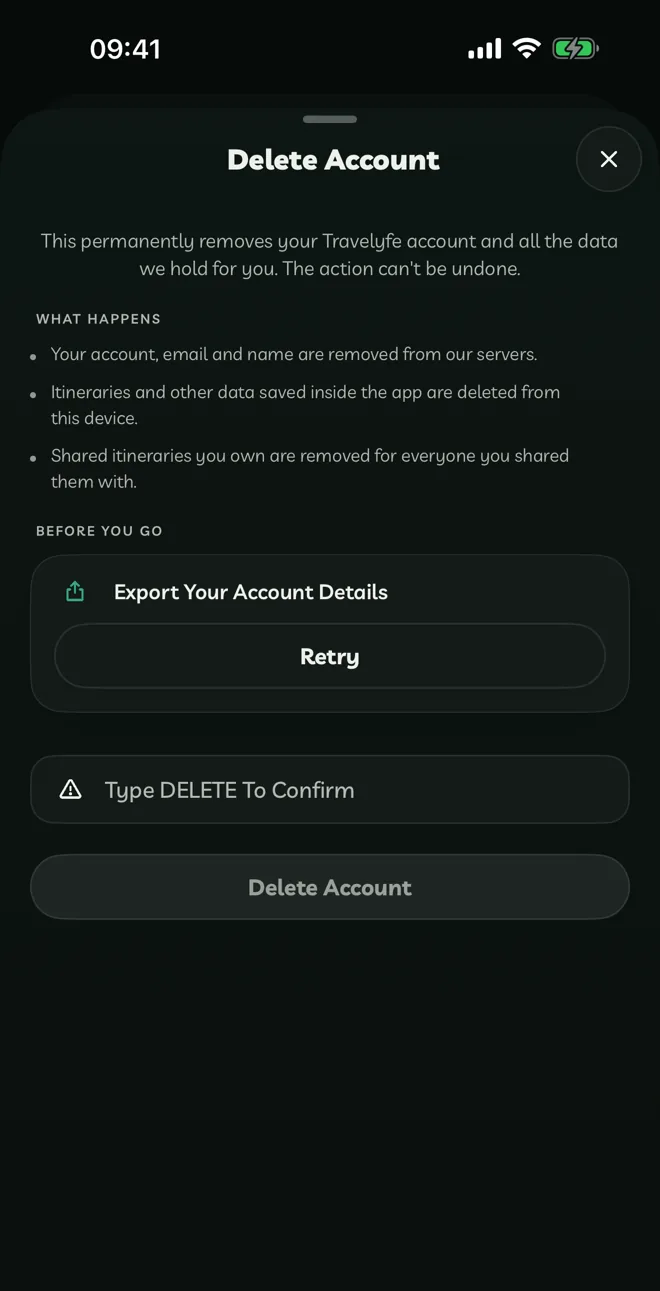
Your account, email, name, itineraries and documents are removed from our servers. Itineraries you shared are removed for everyone. This can't be undone.
Deleting your account doesn't cancel an App Store subscription. Cancel it first under Manage.