
Itineraries
Flights And Hotels
Keep bookings with the itinerary they belong to.
Add A Flight
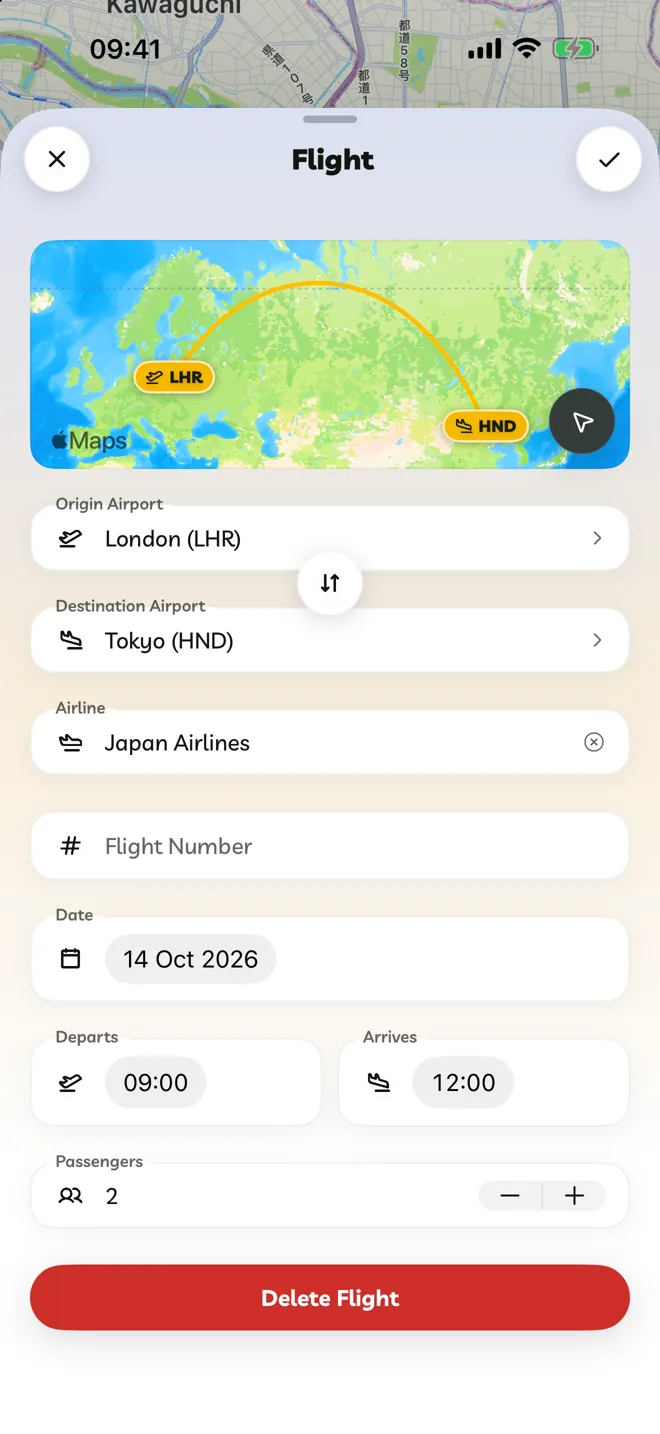
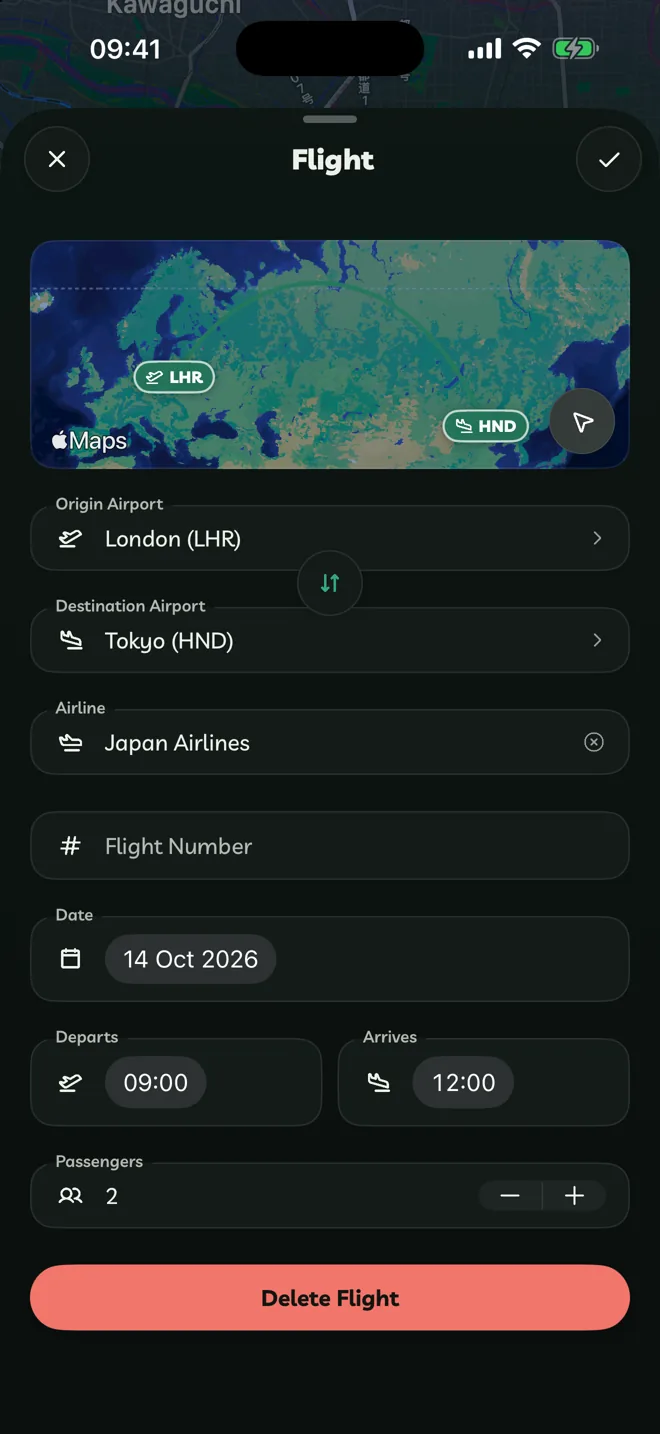
In an itinerary, tap + → Add Flight.
Choose Return or One Way, then the Origin Airport and Destination Airport (search by city or airport).
Add the Airline, Flight Number, date, departure and arrival times and Passengers.
Travelyfe reminds you before the flight when reminders are on, and shows it in Live Activities on the day.
Add A Hotel
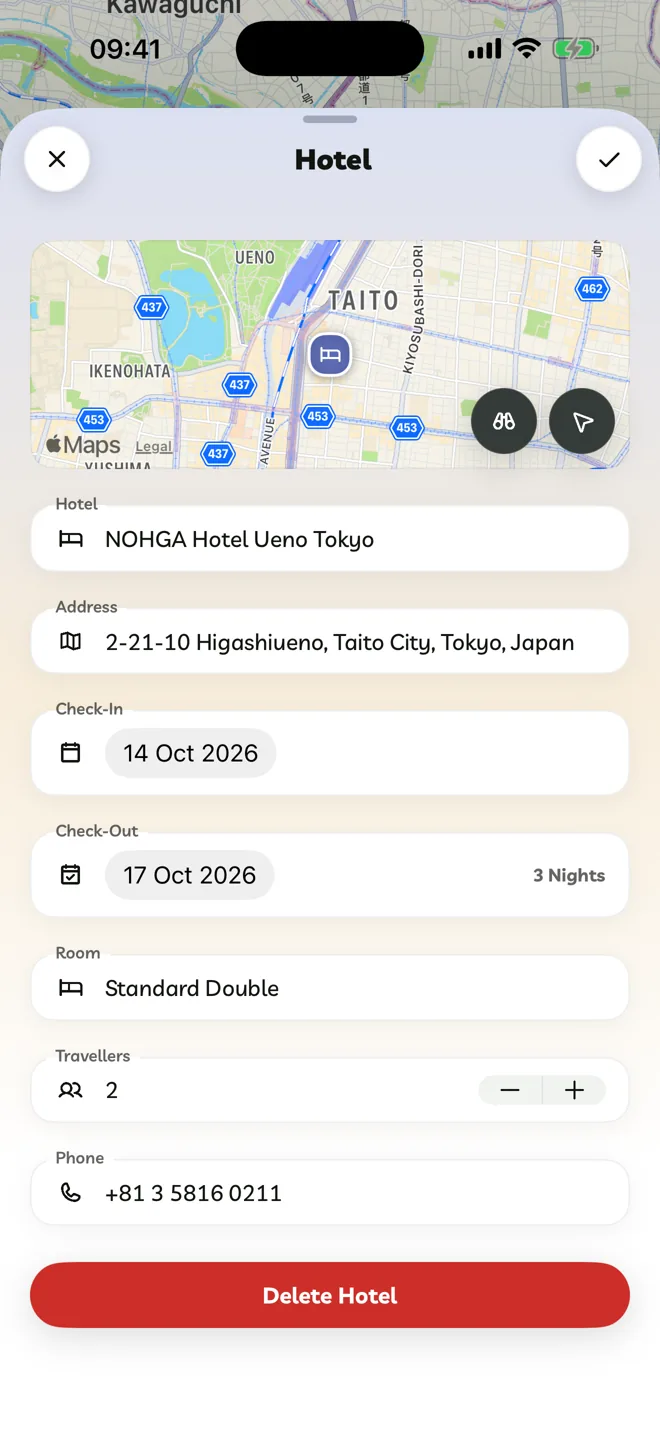
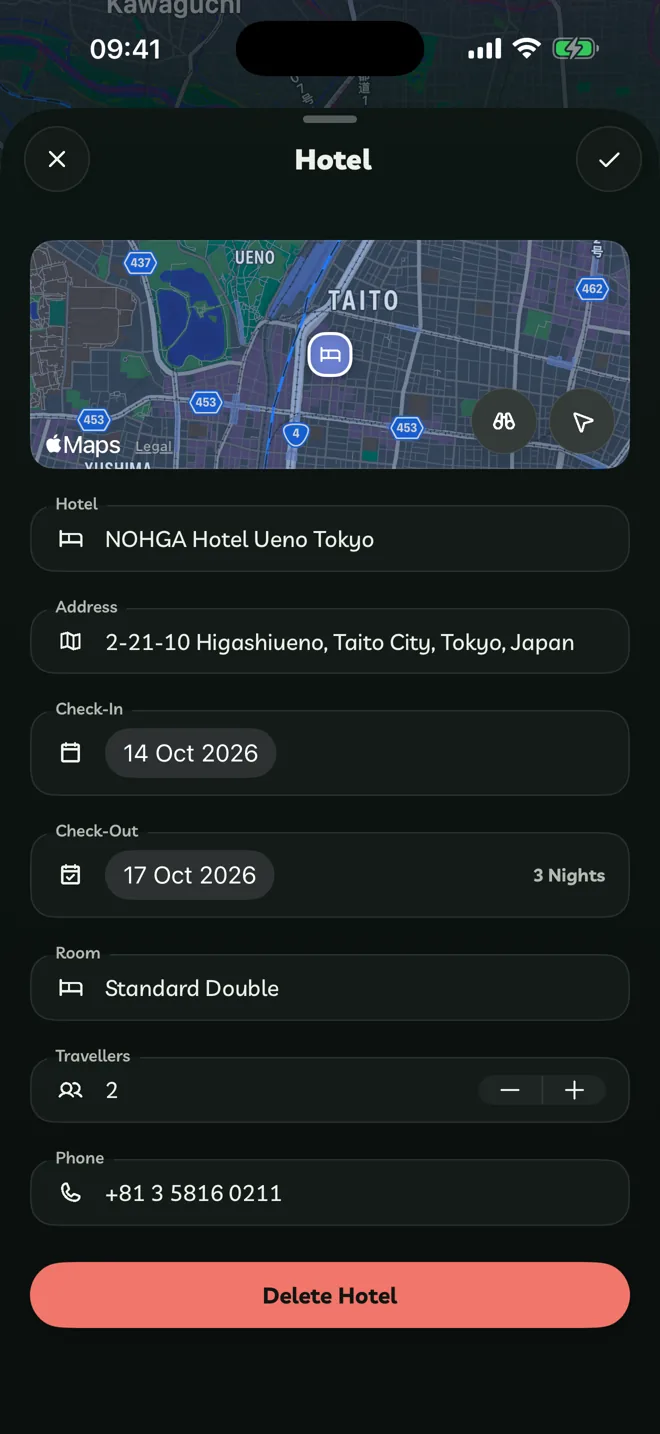
Tap + → Add Hotel and search for the hotel.
Pick it, then set Check-In, Check-Out, the Room, Travellers and a Phone number. Tap the back arrow to return to the search.
Have a booking confirmation email? Paste A Booking Pro reads it and adds the flights, hotels and reservations for you.